
Elf & Safety
A downloadable Elf & Safety for Windows and macOS
ELF & SAFETY
DOWNLOAD AT THE BOTTOM OF THE DESCRIPTION
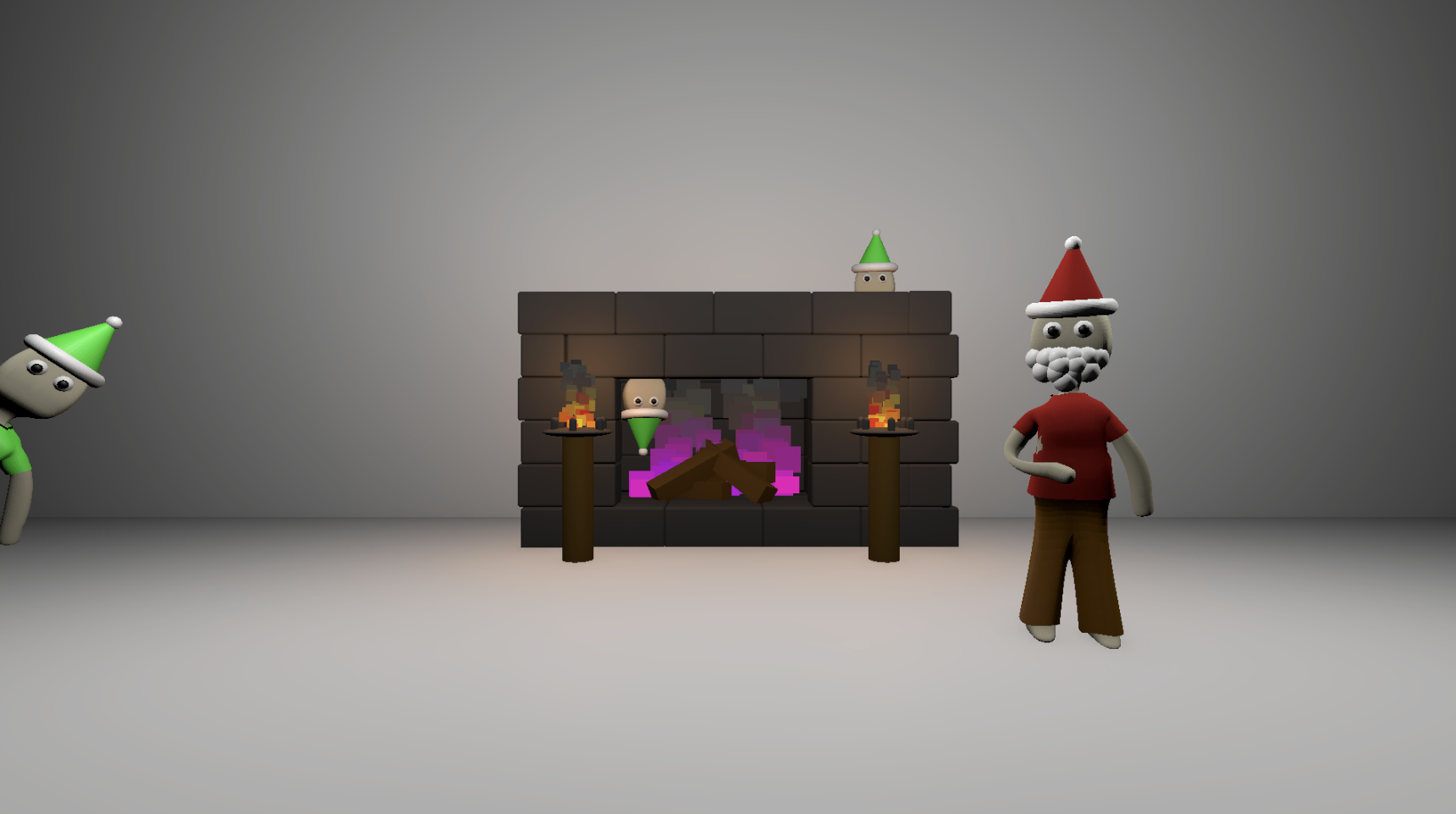
Santa’s workshop is normally the happiest place on Earth… but not tonight. You are the Chief Elf Inspector, the only one trusted to make sure every elf is working as they should. Dark rooms, slacking elves, and furnaces that won’t light properly make your job harder than ever. Armed with a magical match that never goes out and your trusty inspection bell, it’s up to you to move quickly, light every furnace, and wake every slacking elf before Santa notices… or you’ll be fired on the spot.
The elves may seem harmless, but a single missed elf is enough to ruin your holiday reputation. Will you manage the chaos, or will you take the title for the workshop’s first Inspector to be canned on their first day?
GAMEPLAY
- Move with WASD and look around with your mouse.
- Light furnaces with your magical match to bring light back to each dark room. The match never goes out, but the room is still filled with shadows — pay attention!
- Ring your bell near elves who are slacking off to wake them up. Each elf must be accounted for before time runs out.
- Time is limited: once a furnace is lit, you have 60 seconds to wake every elf. Miss one, or take too long, and Santa will fire you.
- Rooms grow more complex as you progress, with hidden corners, decorations blocking sight, and elves hiding in unexpected spots. Stay alert — elves may be anywhere.
TIPS
- Move deliberately, don’t rush blindly — missing elves is easy in the chaos.
- Keep your eyes sharp, elves like to come up with some pretty smart hiding places.
- Listen carefully — the bells and ambient workshop sounds will help you locate sleeping elves.
- Use headphones! Spatial audio improves the experience immensely.
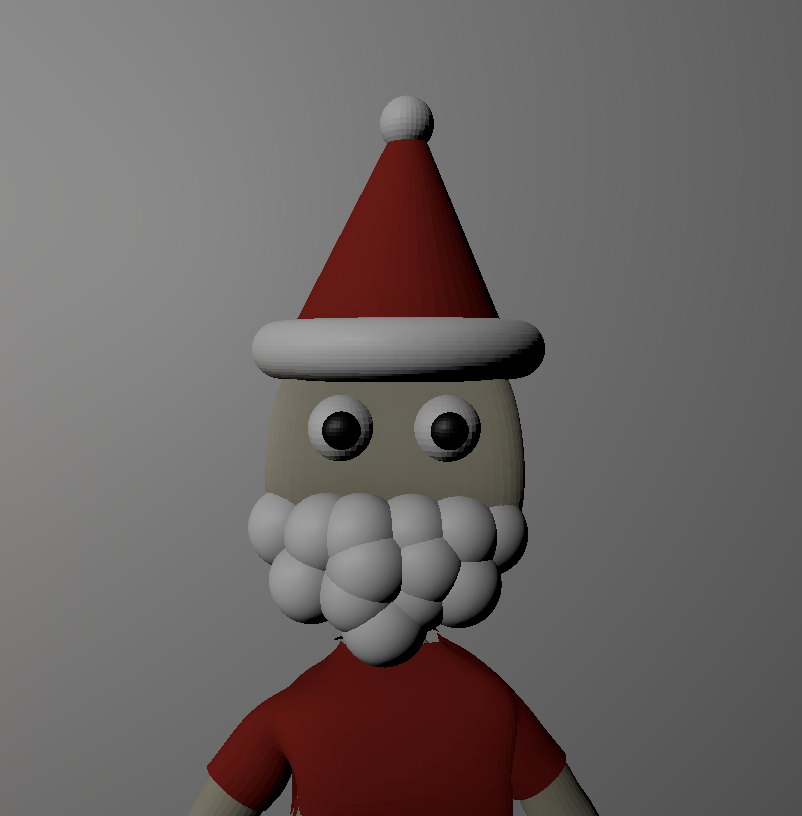
- Look out for the Santa easter egg, it might have something to do with the furnaces...
CREDITS
- Player arm: https://sketchfab.com/3d-models/arm-76c7f128c3fd427ca939c3050ae95e26
- Elves: Made by me
- Furnace & props: Made by me
- Sounds: https://freesound.org/
HOW TO PLAY ON WINDOWS
Download the .zip file, extract it, and open the executable to start your inspection. Remember — every elf counts, and Santa is watching!
HOW TO PLAY ON MAC
Download the .zip file, extract it, and open the executable to start your inspection. Your mac will most likely say "Cannot ensure that Elf & Safety is free of malware" what you need to do is to go into settings, scroll down to privacy and security, and down the bottom there should be a notification saying, "You tried to open Elf And Safety". Click open anyway and to the warehouse you go!
Download
Install instructions
HOW TO PLAY ON WINDOWS
Download the .zip file, extract it, and open the executable to start your inspection. Remember — every elf counts, and Santa is watching!
HOW TO PLAY ON MAC
Download the .zip file, extract it, and open the executable to start your inspection. Your mac will most likely say "Cannot ensure that Elf & Safety is free of malware" what you need to do is to go into settings, scroll down to privacy and security, and down the bottom there should be a notification saying, "You tried to open Elf And Safety". Click open anyway and to the warehouse you go!
Leave a comment
Log in with itch.io to leave a comment.